
In this post you will learn more about timesheets and time tracking inside your Odoo instance, what they can do, and how they can meet your company's needs.
Encouraging good time management across your team matters: it helps organize activities and avoids spending time and resources where they don't belong.
Logging tasks and hours is also a strong ally for decision making: recording the time spent on each activity or project makes bottlenecks easier to spot, lets you measure each team member's productivity, and even lets you calculate the exact cost of a delivered project.
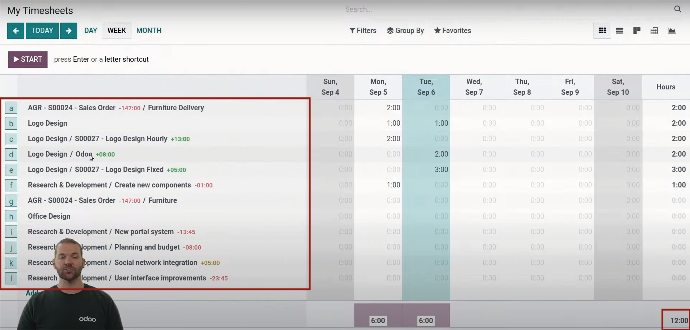
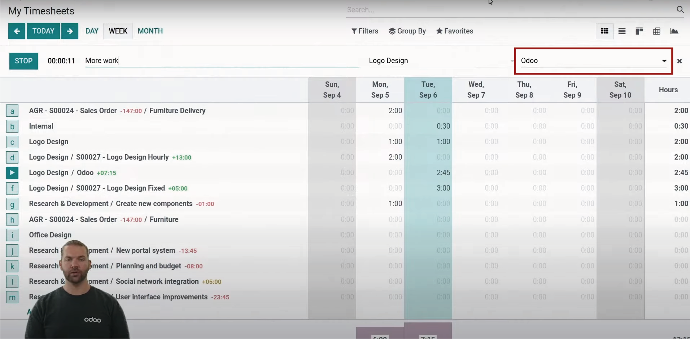
Odoo's timesheet module makes this possible. Below is a short guide to the data you can see on your timesheet and what each section is for:
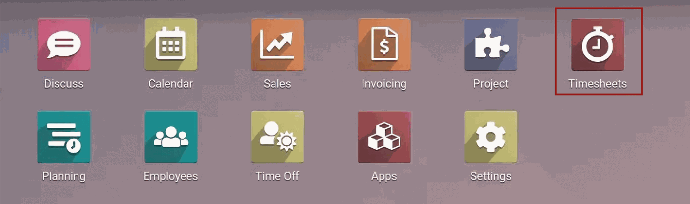
To start, open the timesheet module
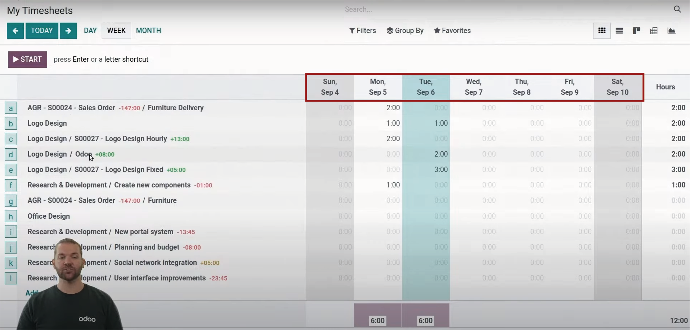
Each row at the top represents the days of the week
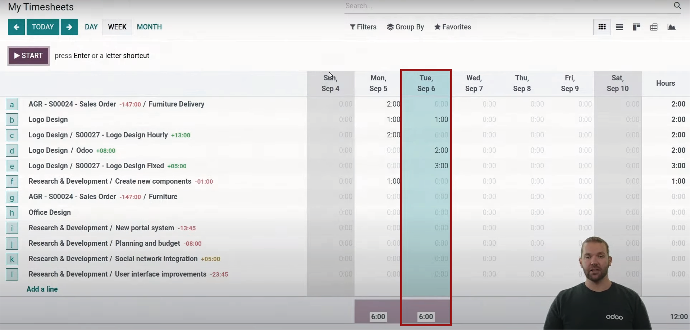
Each column shows the hours worked during that day.
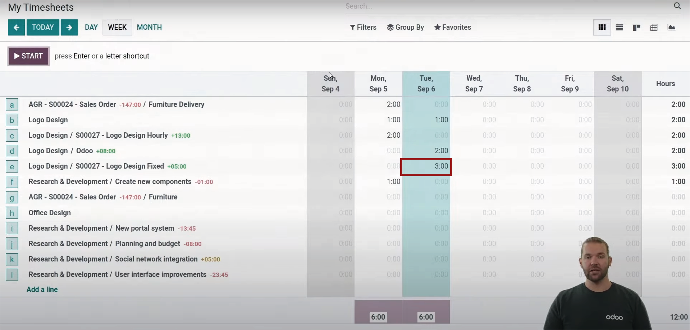
Each cell shows the time logged that day against a given project.
Read horizontally to see the time invested in a project over the week.
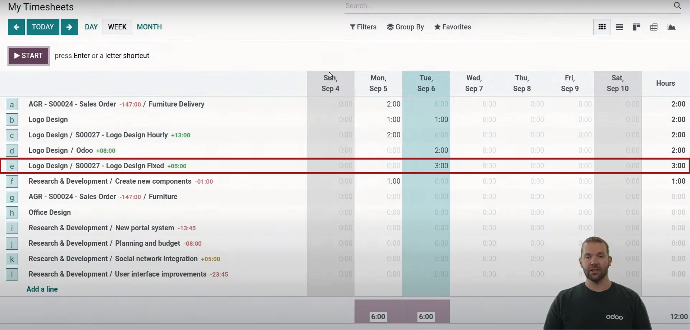
Each line represents a task.
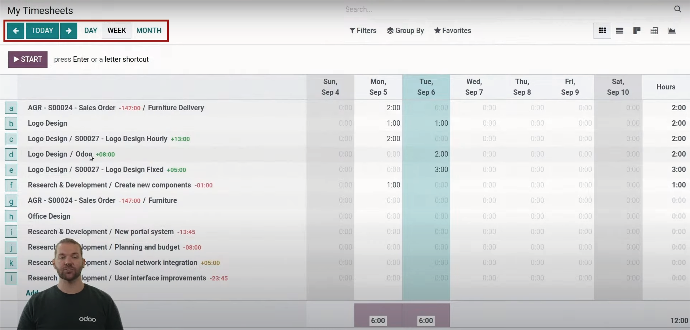
These options switch the view between day, week and month.
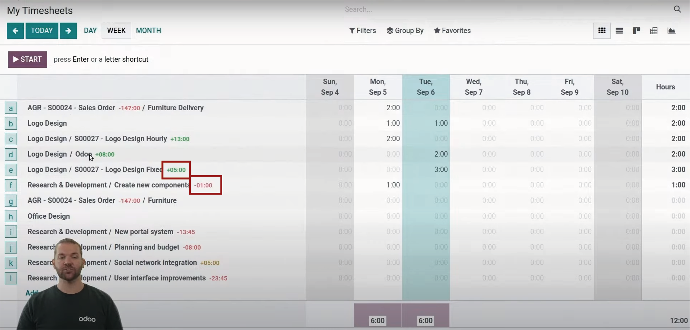
Red numbers mean you are over the time budget that was assigned.
A green number means you are within budget.
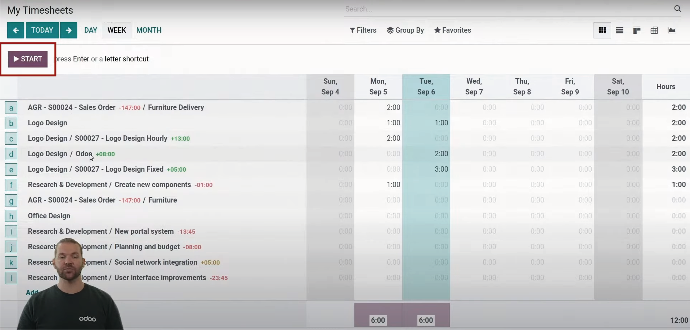
La forma más sencilla de registrar el tiempo simplemente es darle clic en START, esta opción configura un temporizador, es muy útil cuando se trabaja por bloques de tiempo en una tarea específica.
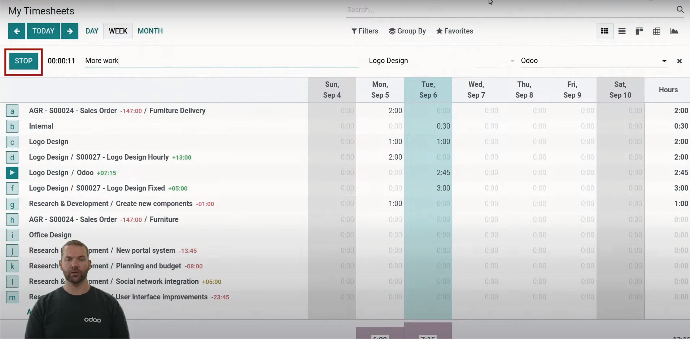
When you finish, just click STOP.
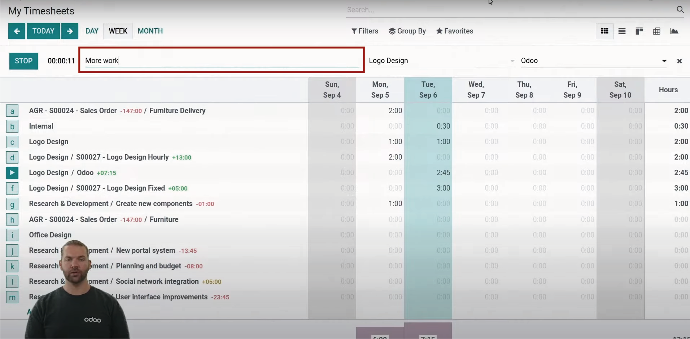
Use this line to describe the activity you carried out
This field is where you select the project
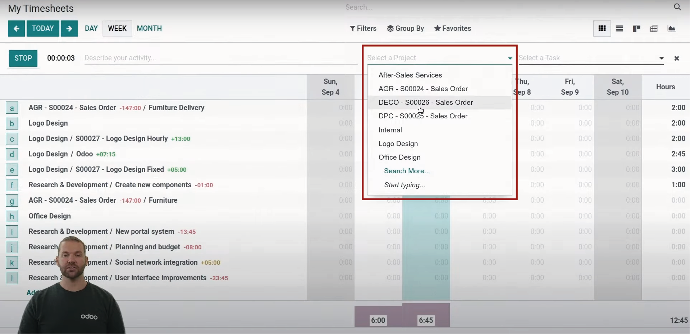
This last field is where you select the task name
Good time management is essential for any person and any company: it makes you more efficient, more effective and more productive, and having strategies and tools that improve performance is key today.